
Universal importer
Local files with instant preview, and platform links through authorized connectors.
Cliplia finds the best moments in your podcasts, streams and interviews, reframes them vertically and adds animated captions. AI is included and you always know how many credits you spend.
Paste a YouTube, Twitch or Kick link (video, clip or livestream).
Works with
Thisishowyourcaptionswilllookwordbyword
This is the journey every video takes inside Cliplia.
Import, analysis, editing, captions, reframing and publishing in one workspace. No jumping between five tools.
Local files with instant preview, and platform links through authorized connectors.
Candidates with reason, interval and confidence level. You have the final say.
15 animated styles, SRT and VTT import and export.
Video, audio, text and effect tracks with undo/redo and shortcuts.
Precise manual cropping and smart modes per content type.
Monitor livestreams for days and prepare clips while they run.
Design from scratch with the drag & drop builder.
Editorial calendar for YouTube, TikTok, Instagram and Facebook.
Four decisions, and the rest of the process is automatic, transparent and reversible.
01
A file from your computer, a published video or an ongoing livestream. We detect the platform and validate the link instantly.
02
Content type, which moments to look for, clip length, format and maximum budget. All before spending a cent.
03
Each segment comes with its transcript, the reason it was picked and its interval. Approve, discard, merge or adjust.
04
Captions, framing, template and export. Post now or schedule it on the calendar.
A two-hour episode holds dozens of ideas that deserve their own clip. Cliplia separates them, trims them and adapts them to each network.
Original video
Nobody tells you this
The key is here
Truly amazing
15, 30, 45, 60 or 90 seconds, or the exact length you need.
9:16, 16:9, 1:1 and 4:5 from the same project.
Process several videos at once with a job queue.
The engine combines several signals to propose segments that make sense on their own, not random cuts.
Transcription
Transcription and audio analysis run on our servers. AI is included in your credits: you don't need accounts or keys from other services.
Nothing gets published without your approval. Review each candidate in context and trim it to the frame.
The score is a heuristic estimate, never a guarantee of views.
Segment 1
2:00 – 2:32 · 32s
Segment 2
8:50 – 9:22 · 32s
Segment 3
15:40 – 16:12 · 32s
Segment 4
22:30 – 23:02 · 32s
Synced word by word, with animated styles, highlighted words and free positioning. Try it with your own text.
Transcription is automatic, with word-level timestamps. You can also import SRT or VTT and export as SRT, VTT, ASS, JSON or text.
Thebestideasdeserve
A serializable, versioned document model with a multitrack timeline, layers and keyframes. Whatever the browser can do happens instantly.
Video, audio, text and effects with zoom, snapping and markers.
Select, drag, rotate, lock, hide and duplicate.
Animate position, scale, opacity and zoom with smooth curves.
Brightness, contrast, saturation and blur in real time.
Undo/redo and project versions.
Split, trim and navigate without leaving the keyboard.
Choose how each vertical clip is framed: following the speaker's face, following the action, centered, by hand or split screen for two people.
Original 16:9
Drag the crop or use the arrow keys
9:16 result
Colors, fonts, logos and saved templates so everything you post is recognizable.
Your style, applied everywhere
Start free. Every plan includes monthly credits and you decide how to spend them. No keys or providers to set up.
To try the full workflow.
Free
30 credits a month
≈ 0.3 h of video a month (with 10 clips per hour)
Start for freeFor creators who post every week.
$15 / month
300 credits a month
≈ 3 h of video a month (with 10 clips per hour)
Create accountFor professionals and streamers.
$39 / month
900 credits a month
≈ 9 h of video a month (with 10 clips per hour)
Create accountFor teams and agencies.
$99 / month
3,000 credits a month
≈ 30 h of video a month (with 10 clips per hour)
Create accountCustom deployment and support.
Custom
30,000 credits a month
≈ 300 h of video a month (with 10 clips per hour)
Contact usFixed prices: you see how many credits you'll spend before you start. AI is included, no separate account needed.
Example: a 30-minute video with 10 clips costs about 70 credits.
Buy extra credits whenever you want. They never expire.
Every kind of video has its own rhythm. Cliplia adapts detection, framing and captions to each one.
Live Clipper 24/7 monitors your broadcasts for hours, days or weeks and prepares candidate moments for you to review whenever you want.
Stream monitor
LIVEPaste your stream link to get started
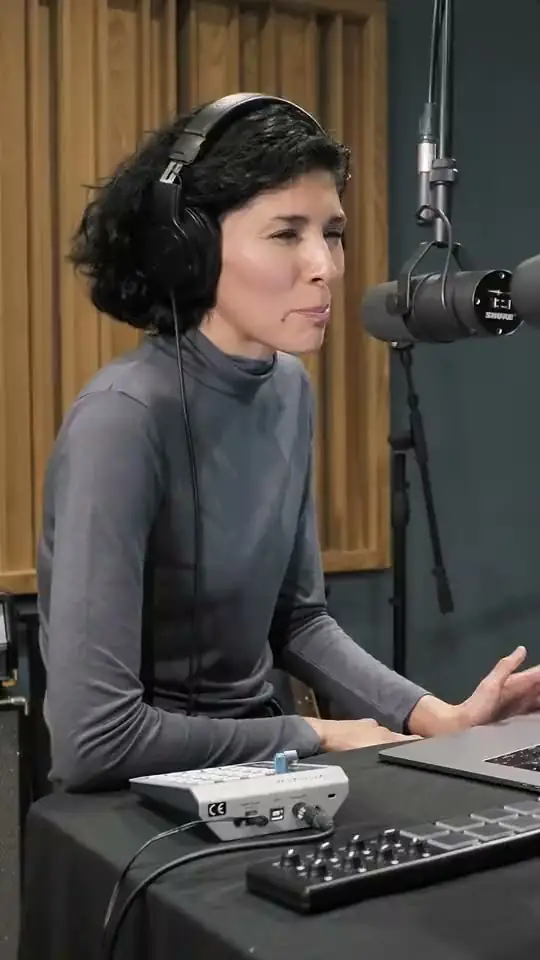
Find the lines people want to share, frame each speaker and post with captions that work with the sound off.
Per-client workspaces, roles and permissions, reviews with comments and brand templates for every account.
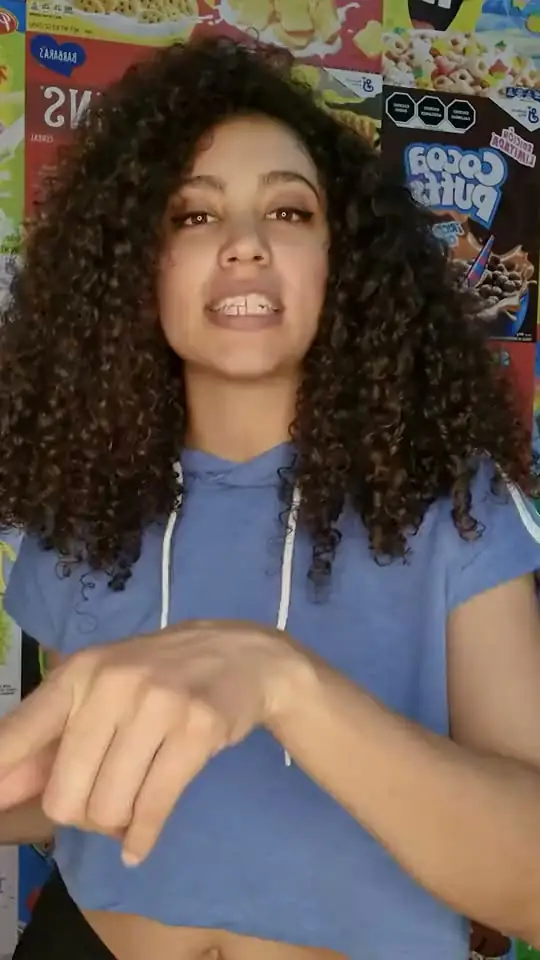
Turn every long video into a series of clips in your style and schedule them on the editorial calendar.
Designed from day one so you decide where your videos are processed and who can access them.
With local models, your videos and transcripts never leave your infrastructure.
API keys are never sent to the browser or stored in localStorage.
Every action is authorized on the server, not by hiding buttons.
Decide how long files are kept and when they're cleaned up.
Official, authorized connectors only. We never bypass DRM or restrictions.
Event log to know who did what and when.
Create your account, import a video and see how far it can go.


The right format for every network
Export in the right aspect ratio for each network from the same project and publish directly through each platform's official connection.
TikTok
Vertical · 9:16
YouTube Shorts
Vertical · 9:16
Instagram Reels
Vertical · 9:16
Facebook Reels
Vertical · 9:16
Instagram Feed
Portrait · 4:5
LinkedIn
Square · 1:1
YouTube
Landscape · 16:9
X
Landscape · 16:9
Direct and scheduled publishing to YouTube, TikTok, Instagram and Facebook, with titles, descriptions and hashtags tailored to each network.